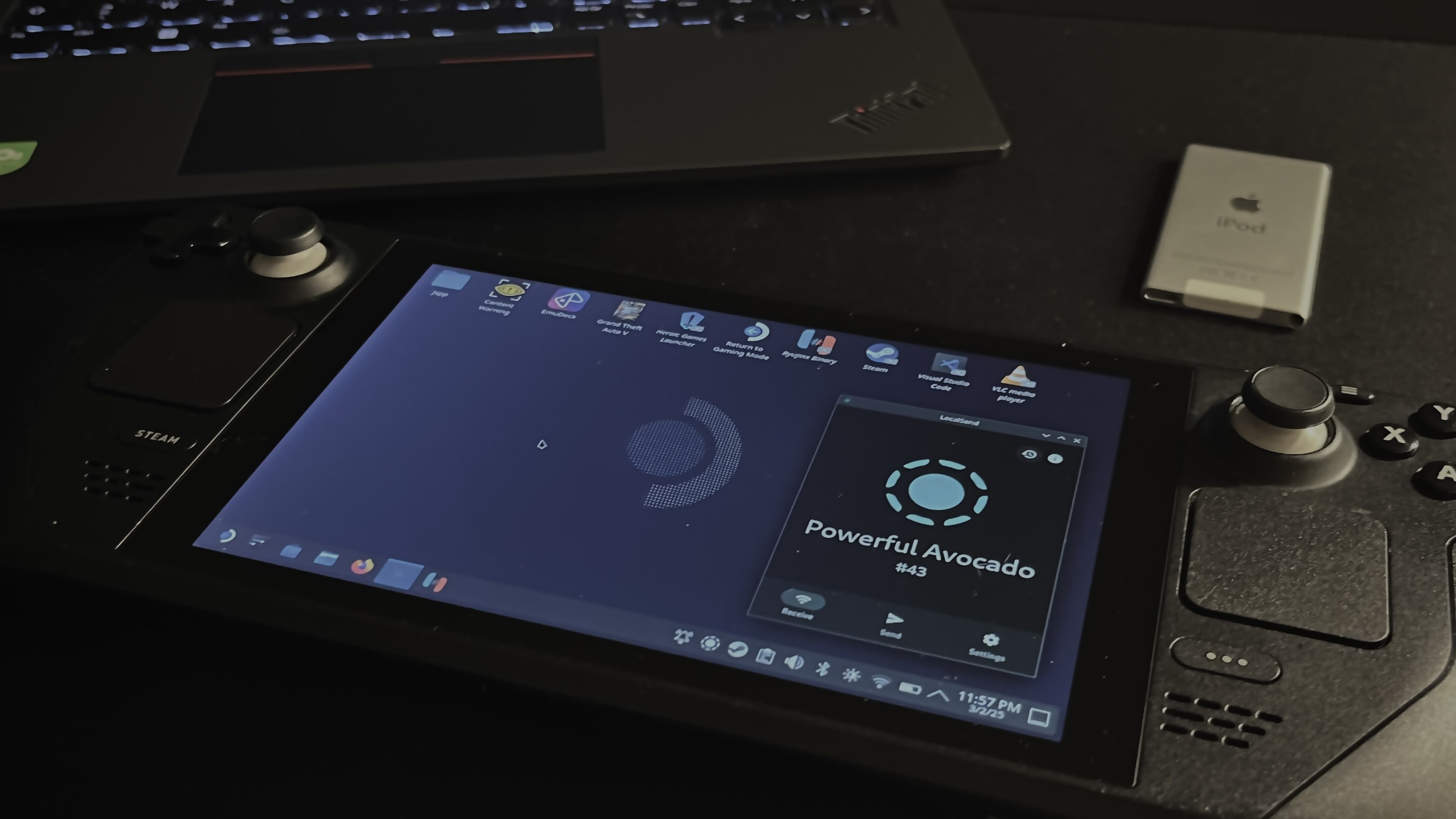
Hello everyone,
Like many Steam Deck owners, I encountered the dreaded black screen issue. After a few months of frustration, I decided to try multiple methods found in YouTube videos to finally recover my Steam Deck and enjoy it again.
My experience.
First, I decided to completely replace the screen (the screen here), as mine was already cracked. I thought that maybe, over time, the crack had caused the black screen issue. However, after replacing the screen, nothing worked on the built-in display. The Steam Deck was still functional on an external screen, though.
That's when I realized I had fallen victim to the infamous "Black Screen of Death" on the Steam Deck.
I'll spare you the details because I spent a lot of time testing all kinds of solutions, some more bizarre than others. But here's what actually worked for me.
This GOAT of a video saved me: here.
The steps.
- Turn off the Steam Deck completely (hold the Power button for 15 seconds).
- Enter recovery mode: hold Volume −, the menu button (three dots …), and Power at the same time. The charging light should blink slowly. Wait 15 to 30 minutes.
- Turn the Steam Deck back on. The screen should work normally.
I had to repeat the process three times before my Steam Deck came back to life. On the final attempt, I waited 1 hour instead of 15–30 minutes.
That's it! Let me know if this helped. If you have any questions, I'll do my best to answer them.